What to do with Caps Lock?
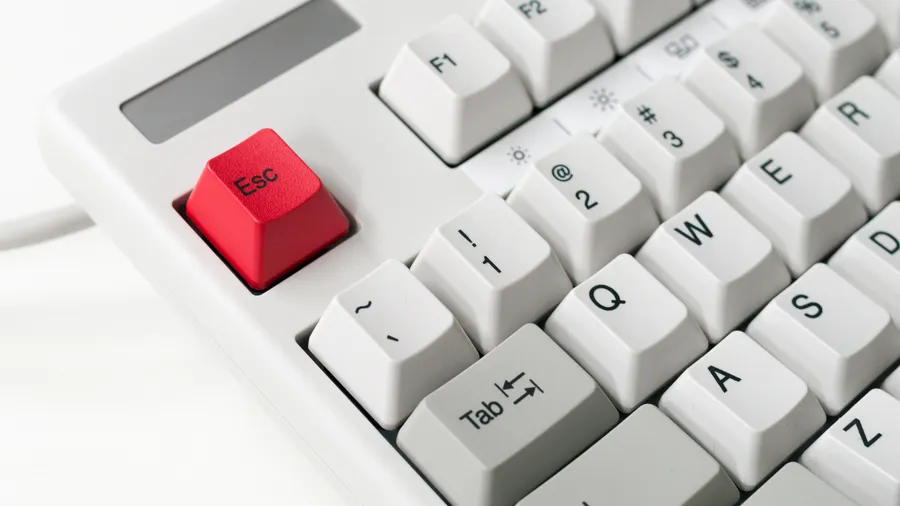
What should we do with CapsLock and Scroll Lock? Do you have any tips on what to do with them? What is Scroll Lock actually good for anyway? When I press it, I can still scroll.
I have disabled CapsLock via software for now because it really annoyed me whenever I hit it by mistake.
NOTE: On membrane keyboards, these kinds of accidental presses used to happen to me all the time – today that is a thing of the past.
Let me circle back to my previous blog post:
So in the end, I bought a mechanical keyboard, and it is incredibly satisfying to write on… Since I got it, I haven’t made a single typo. It is starting to feel like a curse – almost like Pandora’s box, because now I had to throw away all my membrane keyboards. I plan to buy a mechanical keyboard for all my PCs (and basically all devices that have a CPU or SoC).
The Purchase
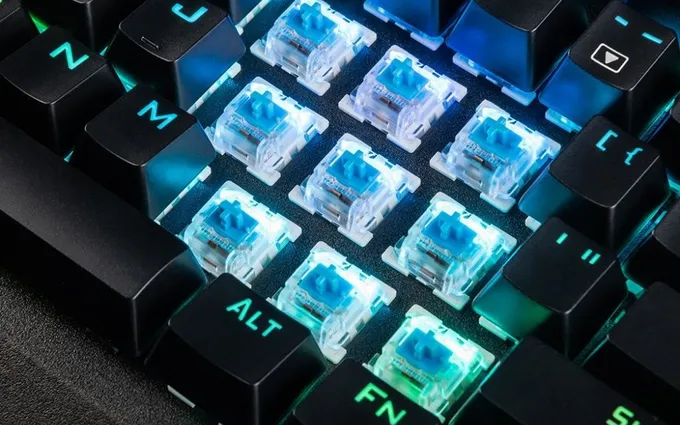
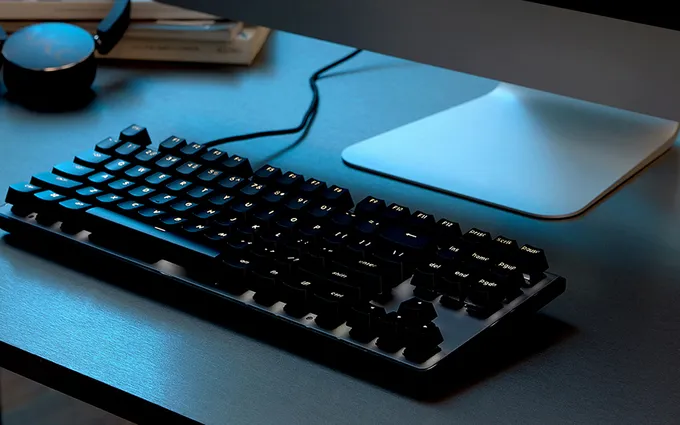
First, I opened a certain unnamed website with an alien mascot and searched for what to buy. Eventually, I picked this one: SPC Gear GK540 Magna Kailh Blue RGB. I considered buying a big-brand one (like Kingston HyperX or Razer), but those with similar features are about €30 - €50 more expensive. I figured I would start with a cheaper one and maybe upgrade to a better one later. It has Kailh Blue switches.
NOTE: Kailh is a Chinese clone of Cherry MX. Cherry MX switches might be slightly better, or maybe they just have superior marketing, because according to discussion forums on gaming sites, there isn’t a huge difference between them.
And how did it all turn out?
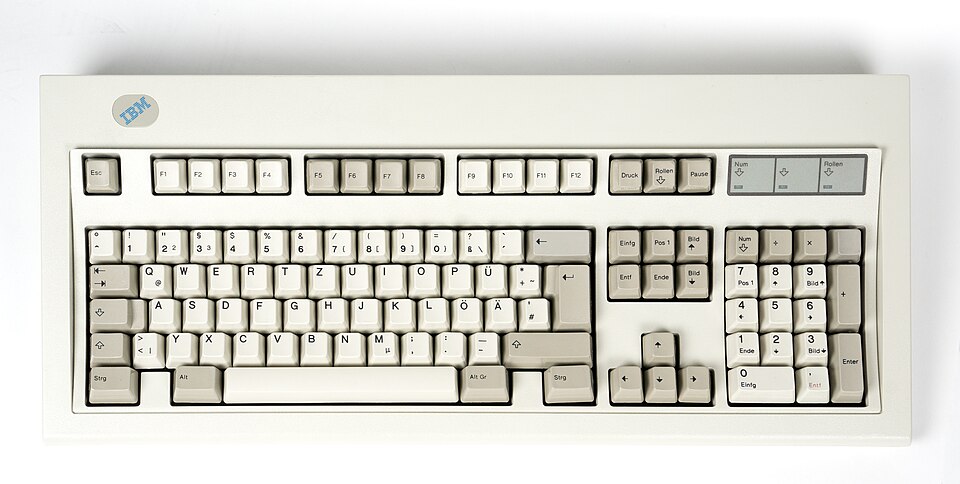
When the delivery guy brought the package, I practically snatched it out of his hands. If you have ever seen Hulk Hogan ripping his shirt off, that’s exactly how eagerly I tore open the box… And once plugged in, it started flashing beautifully with all kinds of colors (I felt like Jean-Luc Picard on the starship Enterprise). And then came the first big surprise… I pressed a key and experienced pure shock. It was the exact same feeling as when my parents brought home our first PC a quarter-century ago (an IBM PC 486 PS/2). I remember the sound of that keyboard vividly when my sister and I were smashing buttons in Mortal Kombat.
Back then, all PCs had mechanical keyboards, and you didn’t have to replace them every month. Membrane keyboards were only used in calculators at the time. Ordinary PCs cost around 50,000 Slovak crowns back then, so on such an expensive machine, everything had to be precise and top-notch. Not just anyone owned a PC in those days. Today, when computers sell for €500, manufacturers cut costs wherever they can – it’s a mass-produced item that anyone can afford, and instead of real switches, people are pressing down on cheap rubber domes. That’s why when you spill soup on a membrane keyboard, you can throw it straight in the trash; a mechanical one is far more resilient.
And what happened to my first PC?
We gave it to my cousin (since my parents bought me a Pentium MMX). Recently, when I visited her, I found that 486 sitting on her desk. I stared at it with my jaw dropped – she actually still uses it… And that 30-year-old keyboard still types like new! Sure, it’s turned a bit yellow over time, but that doesn’t matter; the main thing is that it works perfectly.
PS: For those who want a mechanical keyboard but are on a tight budget, I recommend:
- Cherry MX-BOARD 3.0 - it doesn’t have colorful backlighting, but the typing quality is just as high as those costing €70 - €200. Even though this one only has Red switches, for the price…
- Gigabyte Force K81 GK-FK81RE-US - also only Cherry MX Red
- Gigabyte Force K83 GK-FORCEK83 - this one has Cherry MX Blue, but is slightly more expensive